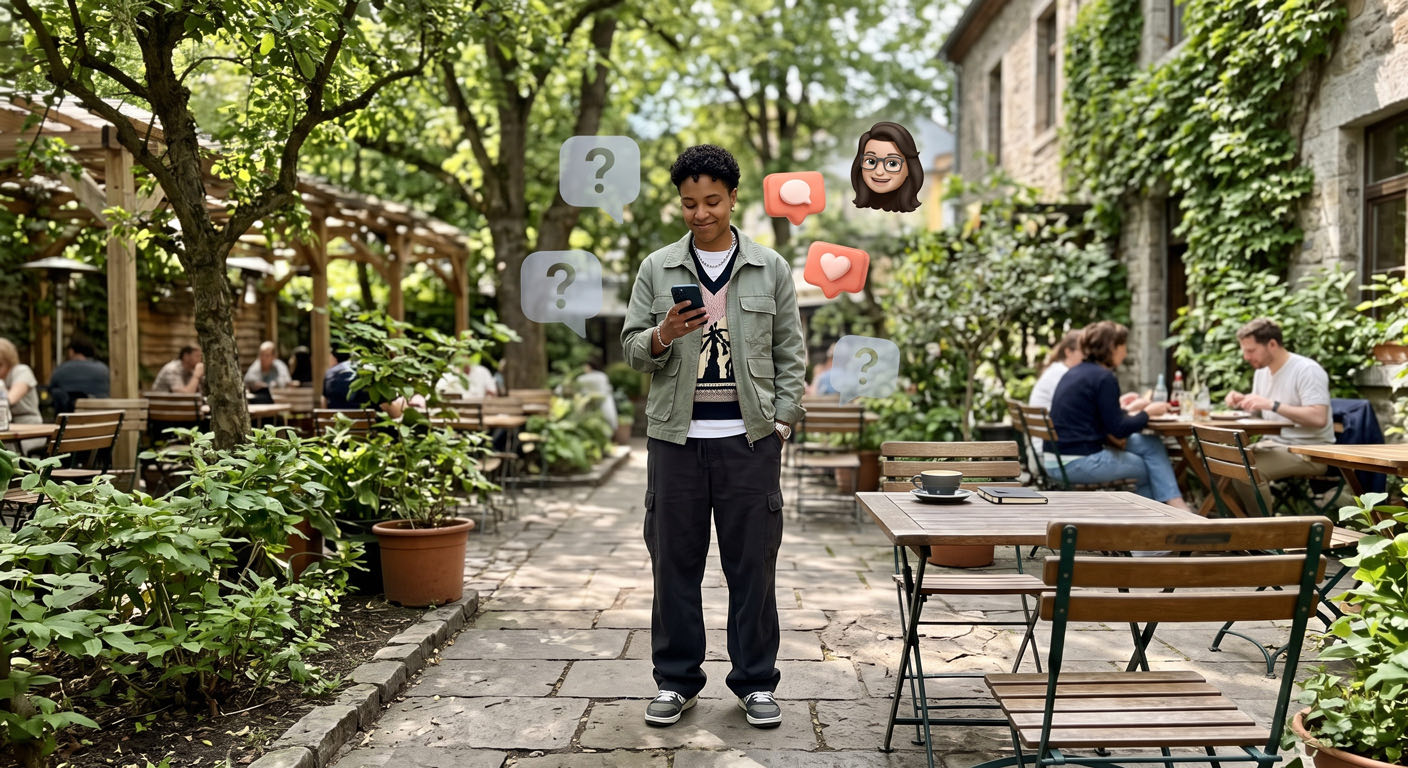
No, Instagram won't tell you who visited your profile. It never has, not even for professional accounts, and no outside app can see data that Instagram keeps to itself. What you do get is a number tucked inside every post, and most creators never look at it.
Where the visit count lives
If you have a creator or business account, tap View insights under any post and scroll to the profile activity section. That's where you'll find how many profile visits the post drove, as a plain count with no names attached.
Compare your last ten posts. Say a behind-the-scenes carousel brought in 300 visits while a trending Reel brought in 40. Now you know which format makes people curious enough to check out the rest of your grid, and that's usually the post introducing you to new people.
Those "see your profile visitors" apps
A new app or website promising to expose your profile stalkers shows up every week. You hand over your username and password and get back a made-up list, sometimes padded with your own followers so it looks legit, while the app quietly keeps access to your account.
If you've ever typed your password into one, change it today and turn on two-factor authentication. Then open Accounts Center > Password and security > Where you're logged in, log out any device you don't recognize, and remove the app under Apps and websites.
Why Instagram keeps it private
A profile visit lasts a few seconds. Someone taps your name from a comment, scrolls your grid for a moment and goes back to their feed. If every one of those taps came with a name, plenty of people would stop opening profiles at all, so Instagram chose to protect the person looking. For a creator, two seconds on your grid wouldn't change tomorrow's post much anyway.
Attention that comes with a name
Some attention shows up signed, because the person chose to be seen: a comment on your post, or your @ tagged in one of theirs.
Picture a recipe creator with 40,000 followers. Her insights show thousands of anonymous profile visits a month. When she scrolls back through eight weeks of comments, though, she notices about five people who show up almost every week, and two of them have tagged her in photos of dishes they cooked at home. Those five she can talk to by name, or invite to try a recipe before anyone else.
You can start doing this by hand. Keep a simple spreadsheet of who commented on your last ten posts and who appears in the Tagged tab on your profile, update it every week, and after about a month the names that keep coming back are hard to miss.
Patensify does that tally for you. With your permission, through Meta's official API, we add up comments and tags person by person over the weeks and show you who's paying attention, with name and context plus a suggested next step. Per-post numbers like reach, saves, shares and profile visits sit alongside as counts only, and the app never asks for your Instagram password.